Stories Explorer
Open public stories without an account. Each live story sits in its own tile, with a download and the time it was posted.
Welcome. Search any profile to view stories and followers.
Open public stories without an account. Each live story sits in its own tile, with a download and the time it was posted.
Read the public follower, following, and post counts that sit on the profile, without following the account.
Paste a public post or Reel when you want that single file. The preview and the save stay on instaanonimo.app.
See the real profile photo, the display name, and the stories that are live at the moment you search.
HOW IT WORKS
Type a public username or paste a profile link, then press Submit. The address bar stays on Insta Anonimo.
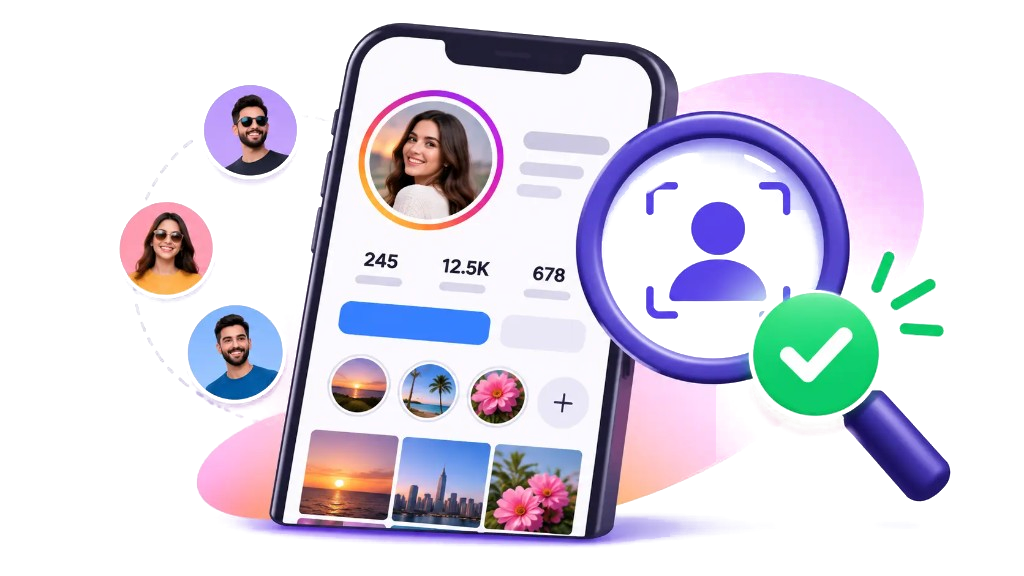
The photo, name, and public counts appear first. Active stories follow in a row of three, with no extra card underneath.
Each tile has its own download. The line under the button is how long ago that story was posted.
An Instagram anonymous view means the lookup never uses your Instagram login. Insta Anonimo does not follow, like, or mark a story as seen on an account you own, because it never signs in.
Type the username on instaanonimo.app. The page requests only what that profile already shows in public: the photo, the name, the counts, and stories that are still inside their short window. Private accounts and close-friends rings stay closed.
Recent usernames stay in this browser under History. They are not sent to an Insta Anonimo account, because there is no account to sign in to.
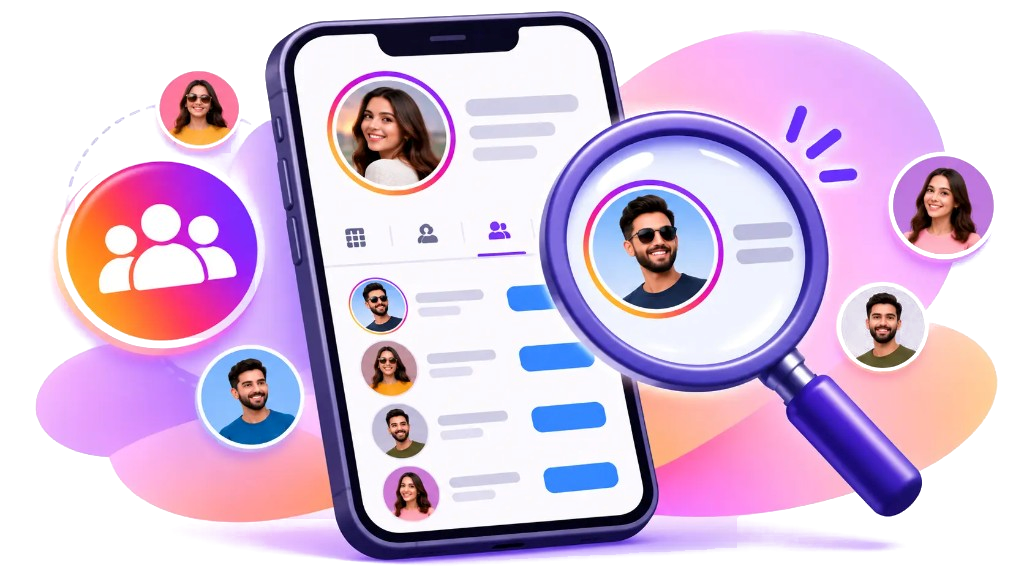
The Instagram follower viewer reads the public count on a profile, not a private address book. Insta Anonimo shows posts, followers, and following next to the name, using the numbers the profile already publishes.
You can compare a creator’s public size before you work with them, or check that a brand page is the one you meant. The full list of every follower is not part of a public page, so this tool does not invent one.
Search the username, read the counts on the dark profile row, then move on to the stories underneath. Nothing about the lookup requires a password.
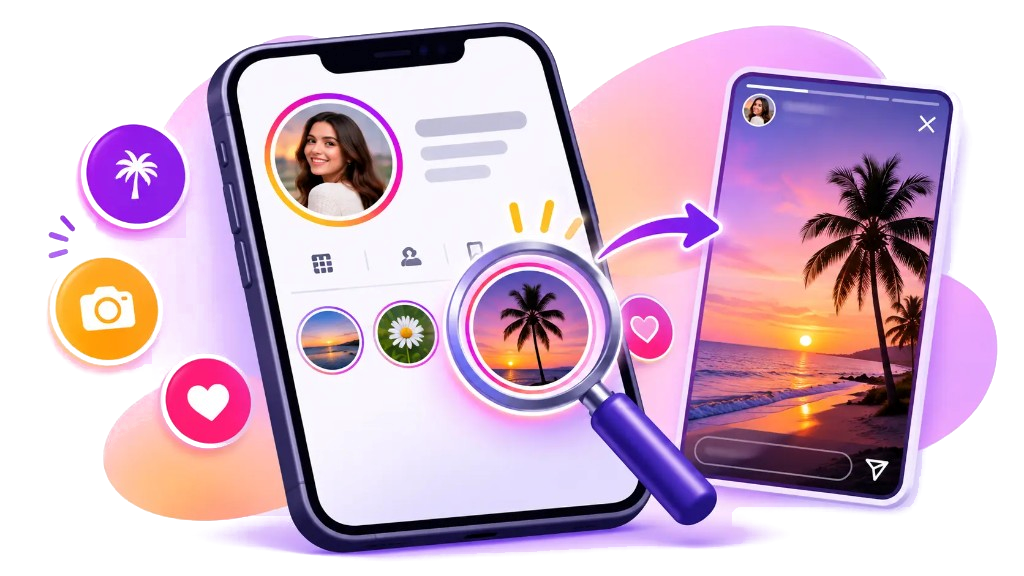
An Instagram highlight viewer is for a story someone chose to keep on their profile after the day it was posted. A live story is different: it is still inside the short window and it is what this search returns in the row of tiles.
Use the tiles to see what that account is showing right now. Each cover has a download and a time, so you can tell a story from this morning apart from one posted late yesterday.
Older highlight covers stay on Instagram’s own profile. Insta Anonimo does not pretend a saved highlight is a story that is still live.
The IG profile viewer is the row above the stories. It uses the public photo, the display name, the @username, and the counts. The background stays with the page, so the result reads as part of the search, not as a separate white card.
If the account is private, the stories do not open. If there is no live story, the profile line still tells you that. A single public post link can be pasted when you want that file instead of the whole profile.
Download a story from its own button. The file is saved by your browser and the page does not send you to the media host.
The same guides as the blog, from anonymous viewing to stickers, ads, and muting a story.
FAQ
It opens a public profile, its photo, the public counts, and the stories that are still live.
Yes. The search does not sign in, follow, or watch through your account.
Use it for public profiles only. Private accounts, and anything you would need a password to see, stay closed.
The page shows the public counts. It does not publish every follower or following account.
Yes, when the story is public. Each story has a download button, and the file saves in your browser.
Search a public username. The profile photo, counts, and live stories open under the box.
Try it nowWho is it for?
Look at a public profile and its current stories before you reach out, without announcing the visit.
Open public stories and posts while you check a source, without using your own account.
See a public profile a young person mentioned, and the stories that profile has up right now.
Save a public story for reference and study what is working, without adding a view from your account.
Read a public profile and its stories without creating an account or handing over a password.
Search a name, see what is public, and leave.